
 English
IMEI Unlock
With our remote unlocking service, you can legally unlock your phone at any time of day, anywhere in the world.
Choose your country and complete the form
To choose the country and service provider for which you want to unlock your phone, and then check the cost of the service (WCDMA is not supported).

Enter IMEI and Submit Form
To receive the unlocking service, send your phone's IMEI number to us and proceed to checkout by dialing *#06# on your device to obtain the number.

Enter the unlock code in your phone
Provide your name and a valid email address, then complete the order. You will receive a confirmation email after your payment has been received.

You will receive the unlock code via email from us
The unlock code, typically an 8 or 16-digit number, will be sent to your email address. In some cases, it may be a set of codes, but you only need the first one, called the NCK.

To order an unlock code
To order an unlock code, you can select your phone model and fill out the form provided. You will need to provide the IMEI number of your phone , which can be found by dialing *#06# on your device. Enter your name, a valid email address, and finish the order. After your payment has been received, you will receive a confirmation email. The unlock code will be sent to you via email, and it is typically an 8 or 16-digit number. In some cases, it may be a set of codes, and you will only need the first one, which is the NCK. To enter the unlock code, you may see a message on your phone's screen such as " SIM Network Unlock PIN " or "Enter network lock control key," and there will be a designated field to enter the code. If your phone does not display this message, it may show a message such as "Network unavailable" or "Network Lock" or "Insert correct SIM" without a field to enter the code. In this case, you may need to use a method to avoid the " SIM Network Unlock PIN " message from appearing.
What are the processes involved?
- Select the country and service provider for your locked phone, and check the cost of unlocking (WCDMA not supported).
- To order an unlock code for your phone, provide the phone's IMEI number and proceed to checkout. You can find the IMEI by dialing *#06# on your device.
- To complete the order, provide your name and a valid email address. When payment is received, you will receive a confirmation email.
- The unlock code for your phone will be sent to the email address you provided. This code is typically 8 or 16 digits long, but in some cases it may be a set of codes with the first one being the NCK.
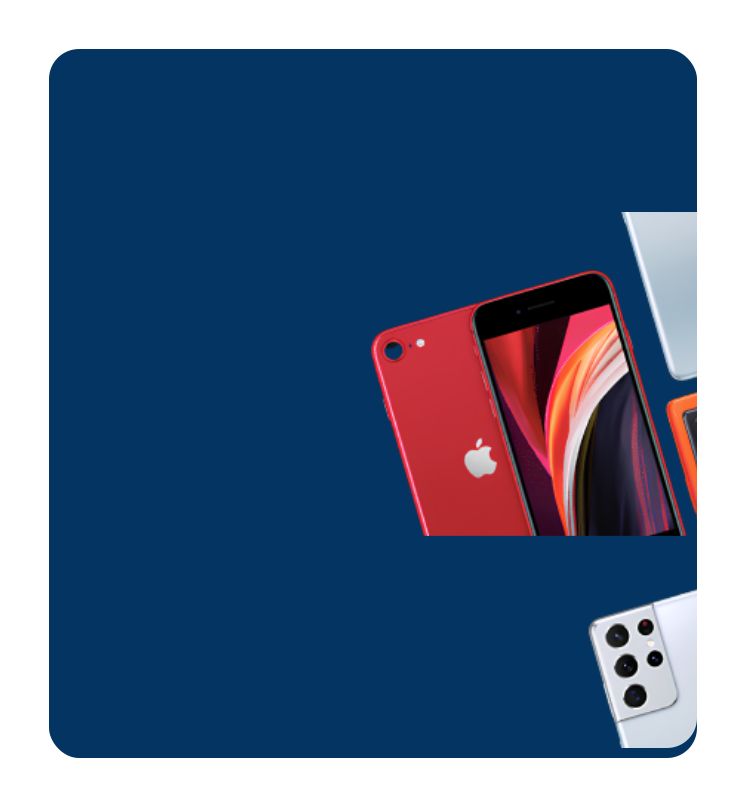
One way to unlock a locked device is by using a device unlock app. This is especially common for devices locked to T-Mobile. Another option is to use an IMEI unlock service, of which easysimunlocker is a highly recommended choice. While there are free IMEI unlock services available , it is generally better to use a premium service because they are easier to use, faster, and offer support to their customers. Free services often lack these benefits and can lead to frustration.
To enter the unlock code and unlock your phone:
- Insert a different or non-accepted SIM card into your phone.
- Wait for your phone to request the unlock code, typically by displaying a message like "Enter Network Lock Control Key," "Enter unlock code," or " SIM Network Unlock PIN. "
- Enter the unlock code and select the "Unlock" button. The unlock code may be 8 or 16 digits long, depending on the phone model and brand.
- If the unlock was successful, you will see a message like "Unlock Successful." Your phone is now permanently unlocked.
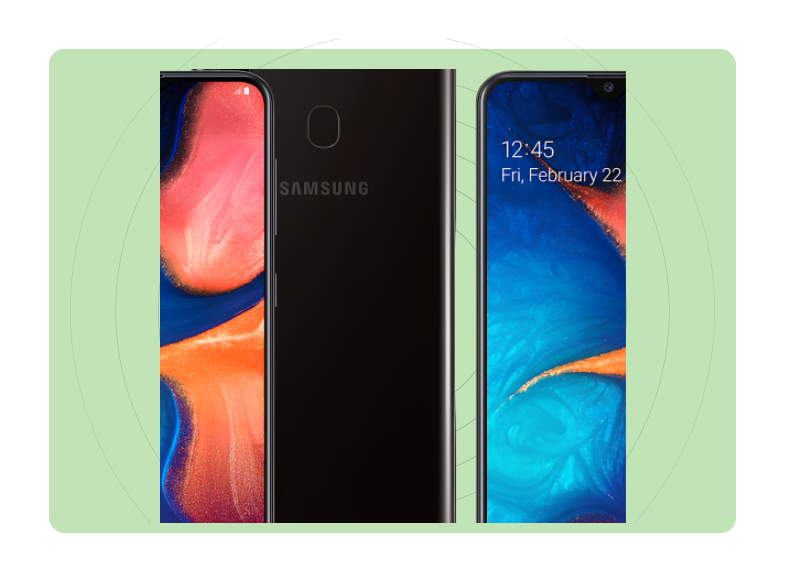
Unlocking Samsung Phones
Method 1: Unlocking Samsung Phones#7465625*638*#. Enter the 8-digit unlock code once prompted on your phone.
Method 2: On your phone's dial screen, press #7465625*638*UNLOCKCODE#
Method 3 : On your phone's dial screen, press #0111*UNLOCKCODE#
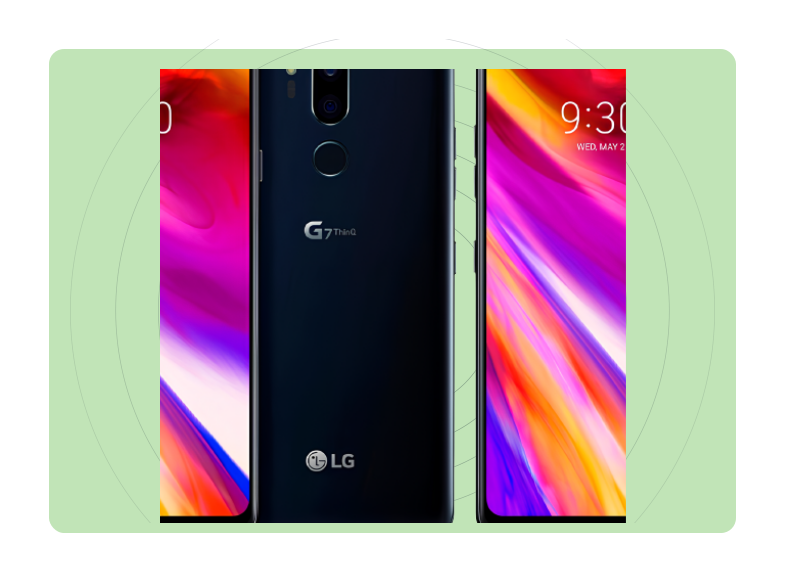
Unlocking LG Phones
- Method 1: On your phone's dial screen, press 2945#*model number#. For instance, if you are using an LG Optimus L3 E400, enter 2945#*400#
- Method 2: On your phone's dial screen, press 2945#*71001#
- Method 3 : On your phone's dial screen, press #7465625*638*#. Enter the 8-digit unlock code once prompted on your phone.
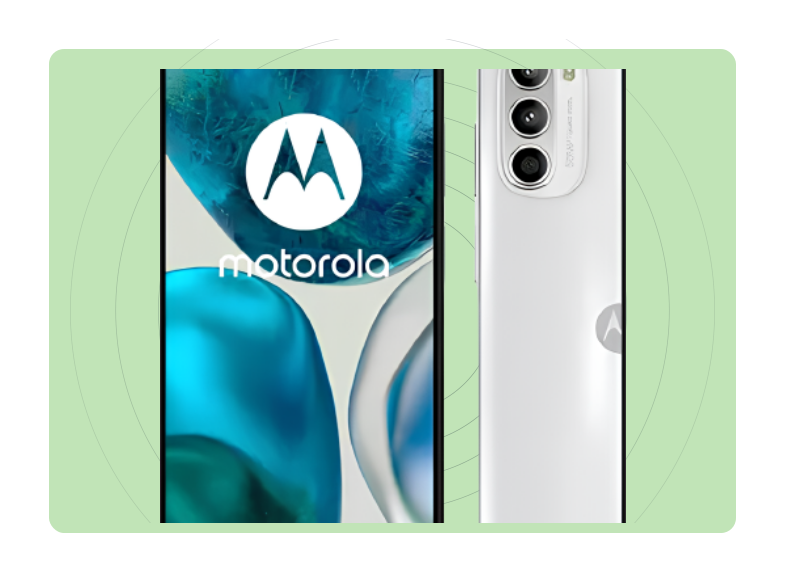
Unlocking Motorola Phones
- Method 1: On your phone's dial screen, press #073887*
- Method 2: On your phone's dial screen, press #786074*
If the unlock code does not work when you insert a non-accepted SIM card, you can try again without a SIM card or with the original SIM card. Alternatively, you can use the device unlock app to permanently unlock the phone. Simply connect to the T-Mobile server and wait for the "Permanent Unlock" prompt to appear on the screen. No code is needed as the app handles everything automatically.